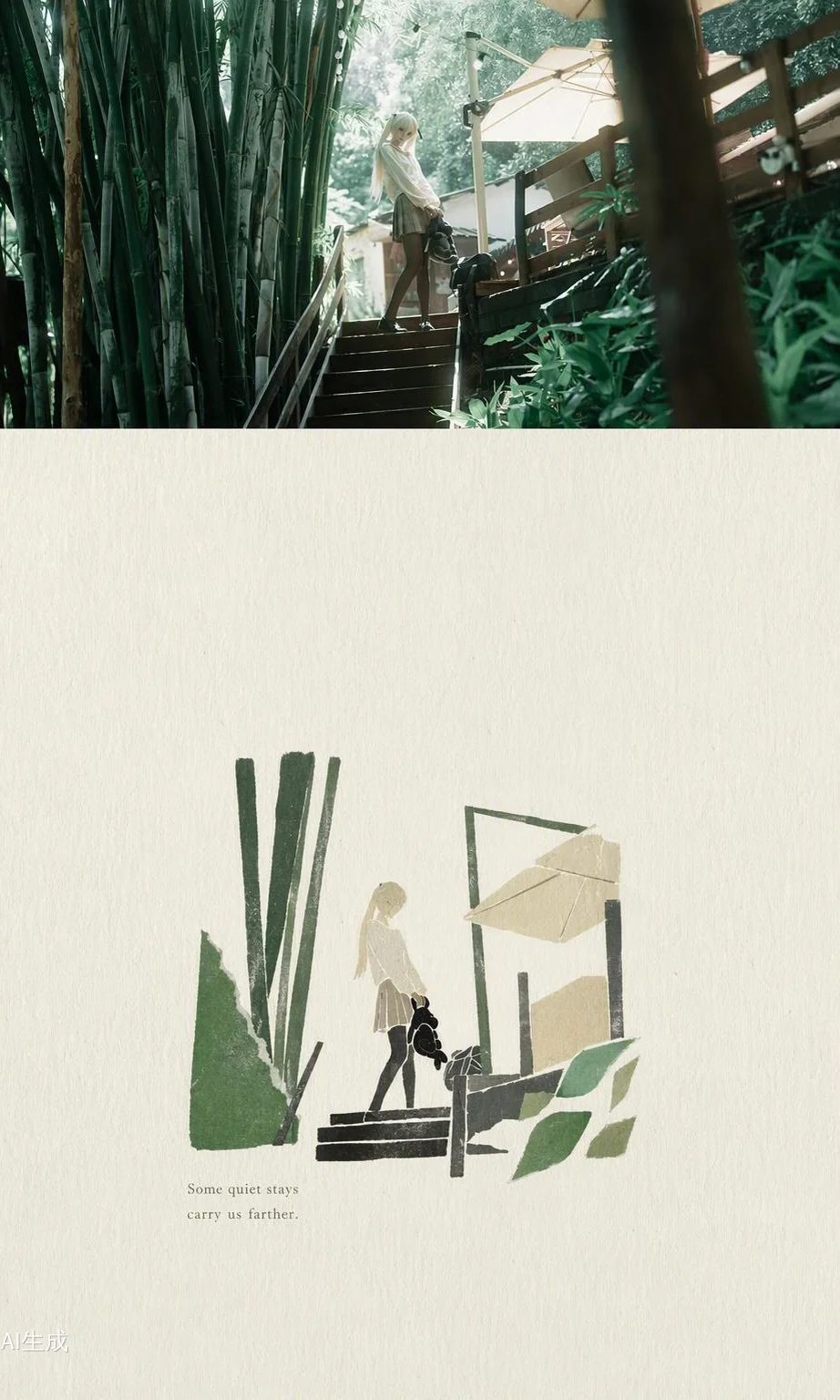
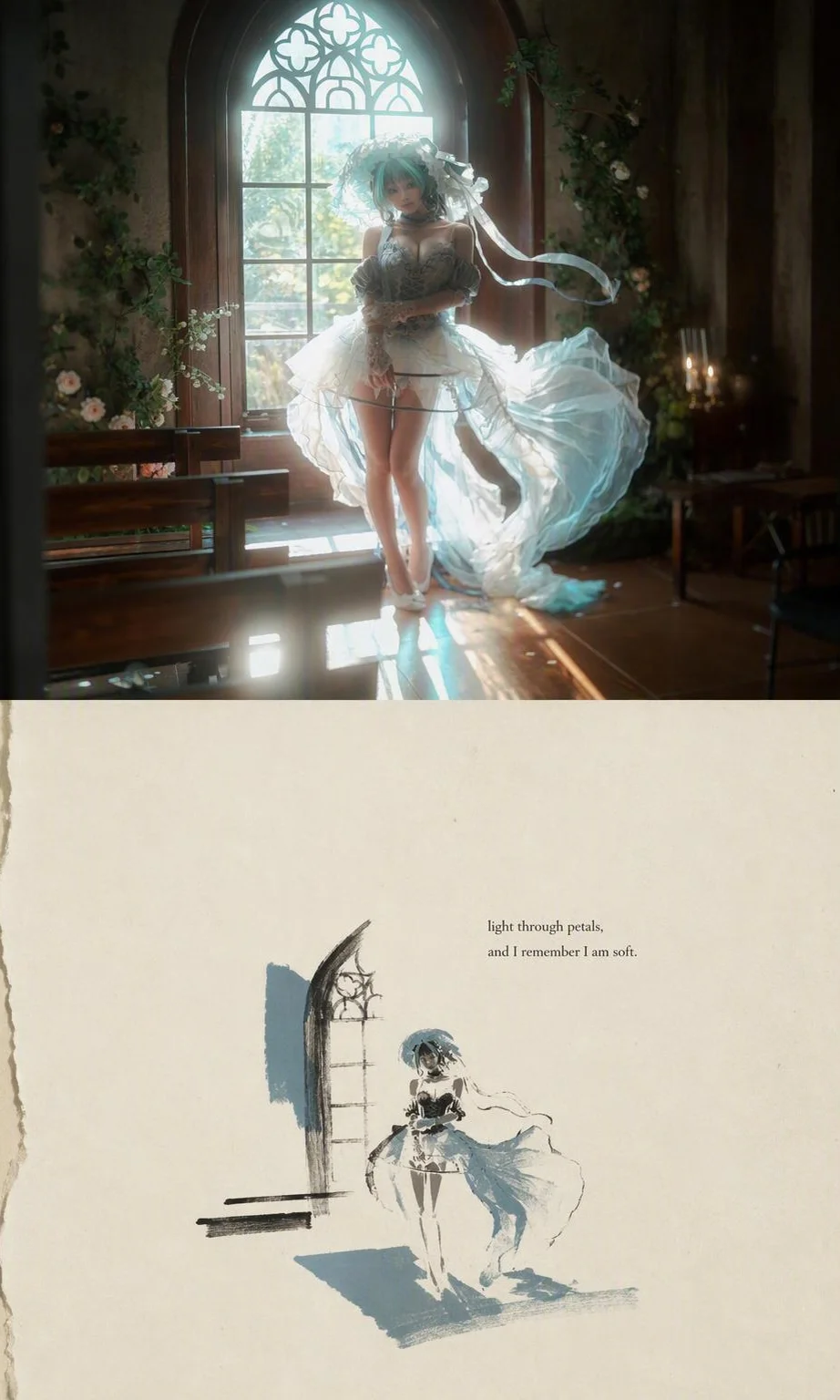
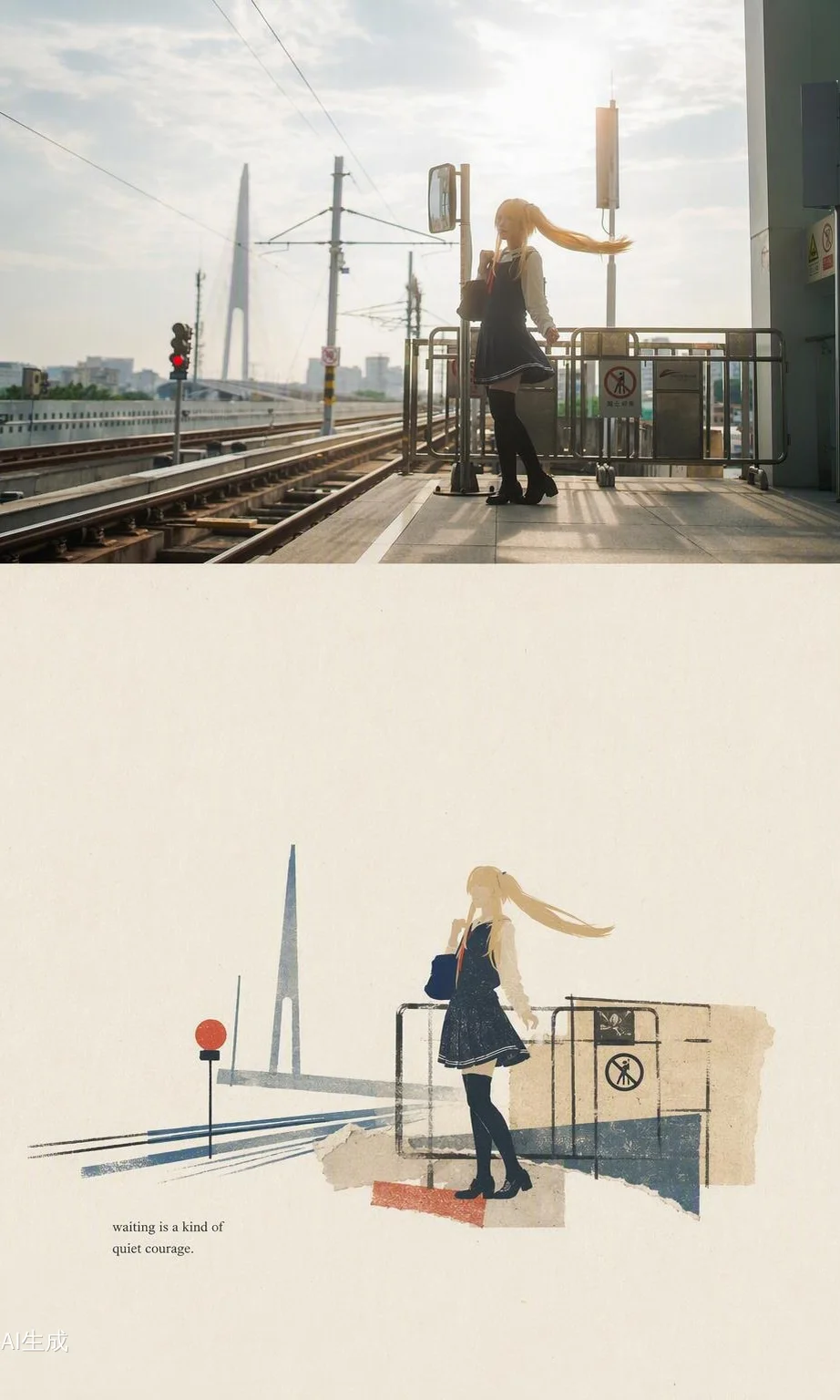
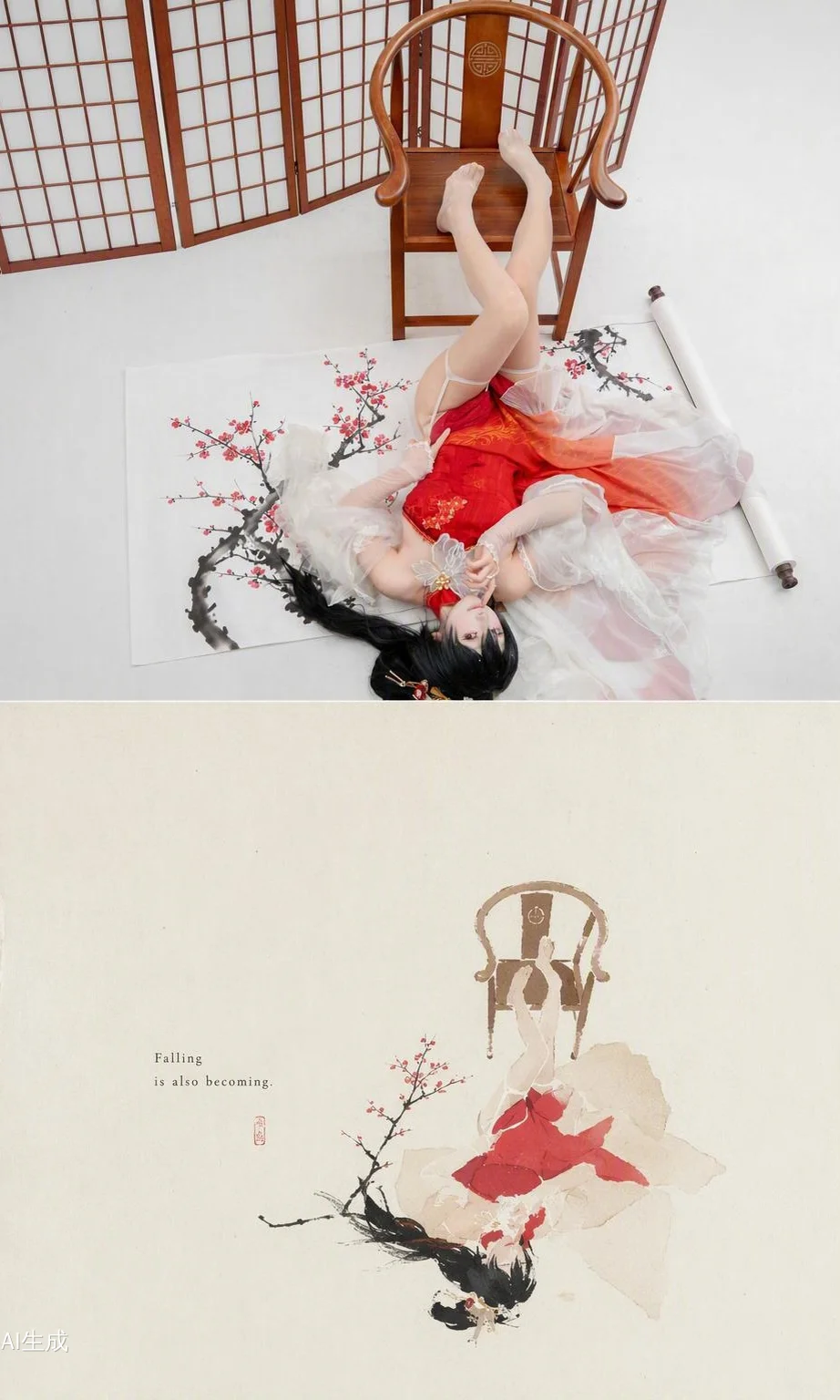
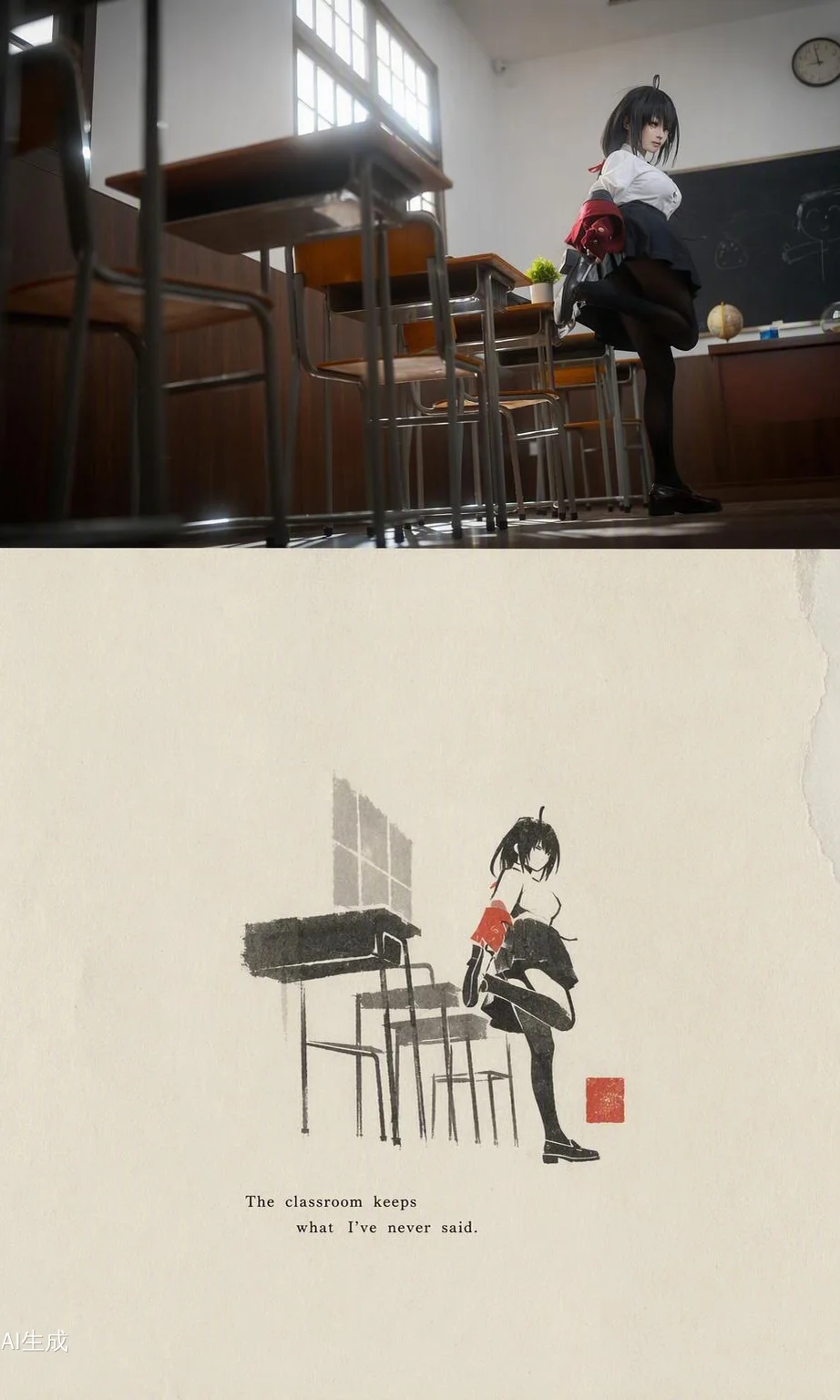
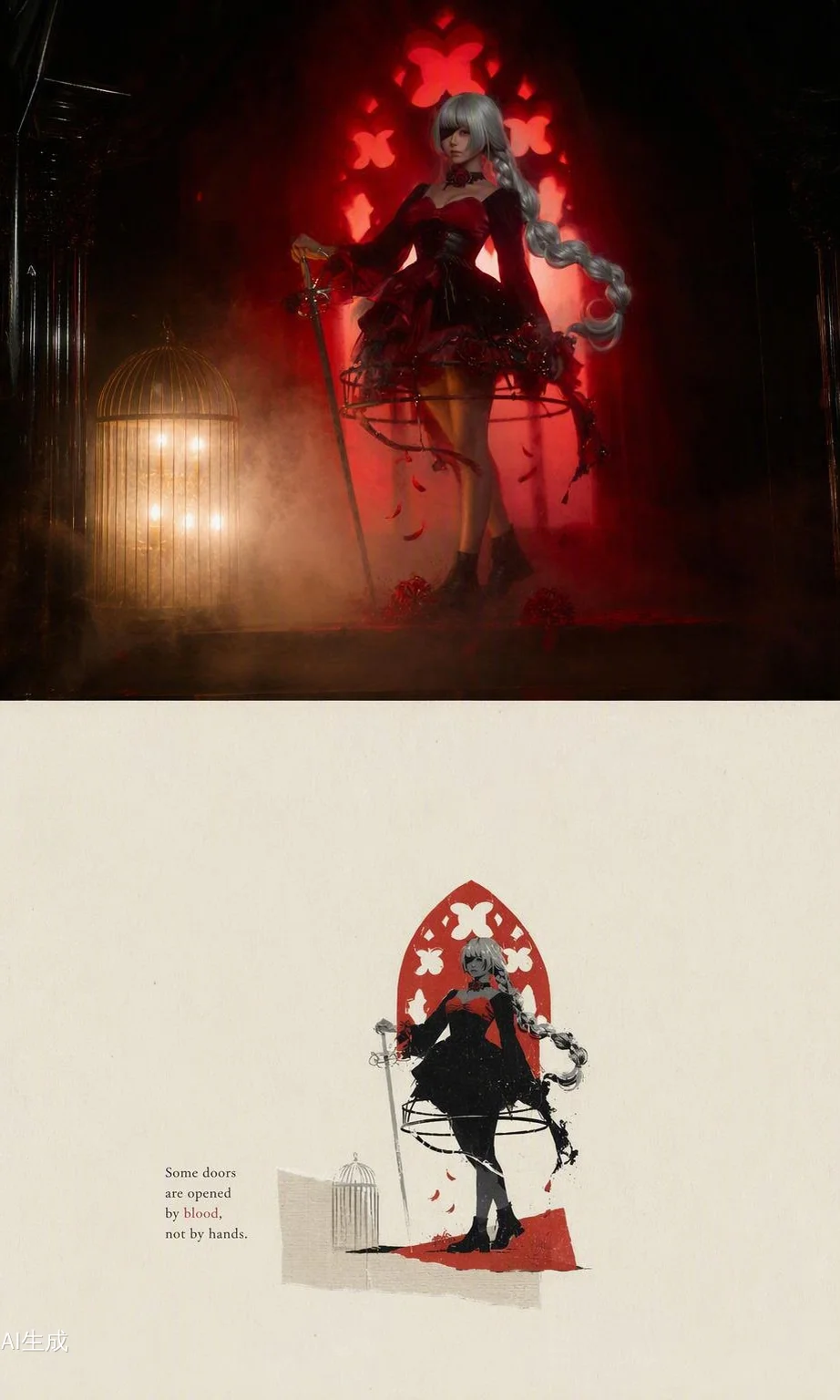
This time, I retouched the base images of all the photos using PixCake Mobile, and paired them with the 2D Vision Project Collage templates, which gave the overall atmosphere a remarkably cohesive feel.
First, let's talk about the retouching process. The lighting conditions of the original raw shots varied wildly—scattered light in the bamboo grove, side backlighting in the classroom, and complex highlights in the church set. Processing with PixCake Mobile was very convenient; its AI algorithms automatically adjust exposure across different scenes and are exceptionally accurate in restoring skin tones. When retouching cosplay normally, my biggest fear is over-smoothing the skin until it looks fake and loses texture, but this software basically preserves the original skin texture, requiring only slight manual tweaks to highlight and shadow parameters.
Next, let's look at the different shooting scenes. The bamboo grove set mainly aimed to emphasize tranquility; the Collage format was well-suited to this kind of negative space composition, with black bamboo and steps harmonizing beautifully against a khaki background. I personally adore the station platform set, as we happened to catch lovely warm-toned lighting. The moment the skirt and twintails caught the wind was difficult to capture, but fortunately, the Collage preserved the red signal wire element, conveying the loneliness of waiting. The classroom set had a higher composition; sitting on the desk with one leg raised tested my center of gravity, and combined with the silhouette effect in the Collage, it felt very story-driven. The red dress and plum blossom set featured stronger Chinese-style elements; the Collage utilized red-and-black contrast, intertwining plum branches and skirt lines gorgeously. Finally, for the set by the church window, the perspective of light and shadow was fantastic; the layered depth of the semi-sheer tulle dress in the backlight appeared exceptionally airy after using the software's texture restoration function.
As for the Gothic red-background set, the dark-toned environment placed high demands on the retouching software's highlight suppression capability. PixCake Mobile smoothed the transitions between red and black areas effortlessly without noticeable banding or harsh cutoffs. In the Collage stage, I extracted the birdcage and arched doorway as primary visual motifs, which not only preserved the narrative of the original photos but also added a sense of artistic experimentation.
The overall shoot and post-processing were quite fascinating. Beyond experiencing style transitions across different characters, I also explored techniques for utilizing the software across varied lighting scenarios. Serving as the final medium of presentation, the Collage wonderfully enriched the imaginative space beyond the original photos—a refreshing experience brought to me by this 2D Vision Project.